Instagram Video Download
Download videos from Instagram in HD quality for free
Download Instagram Photos
Enter the Instagram PHOTO URL below
Download Instagram Reels
Enter the Instagram Reels URL below
Instagram Story Download
Enter the Instagram Story URL below
Instagram Profile Picture Download
Enter the Instagram Profile URL below
FastClip - High-speed Instagram Video Downloader
Instagram is the most popular photo and video sharing platform today, where you can discover millions of interesting content every day. However, downloading videos or photos directly from Instagram is not easy. FastClip.net was born to solve that problem, allowing you to download videos, photos, Reels, Stories and more from Instagram with just one click.
FastClip leverages PWA (Progressive Web App) technology, enabling you to download Instagram photos and videos directly from your browser without any software or extensions. Our intuitive interface is fast, easy to use, and fully compatible with Android, iOS, Windows, and macOS.
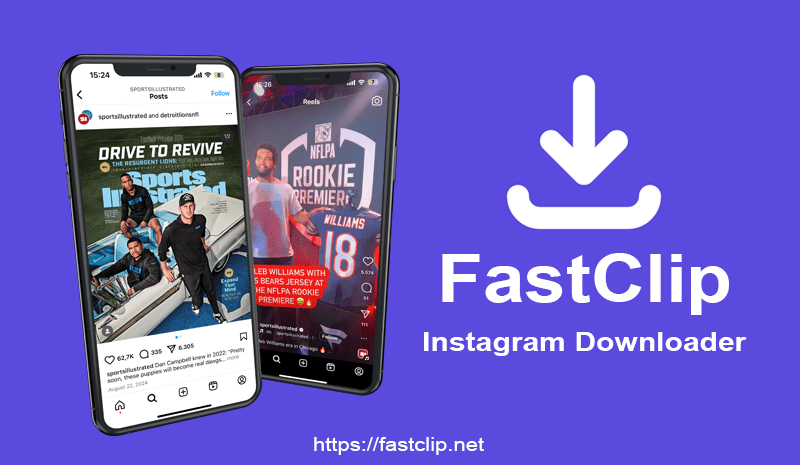
With FastClip, you can download Instagram content in the highest quality, including 1080p, 2K, and even 4K. Whether you are on a smartphone, PC, or tablet, FastClip ensures a high-speed, stable, and seamless experience.
Explore all the outstanding features of FastClip
FastClip.net supports downloading all types of video/image links from Instagram.
- Instagram Video Downloader: You can download videos from any post (including IGTV) with the highest video quality.
- Instagram Photo Downloader: Easily save single photos or entire carousel albums.
- Instagram Reels Downloader: Fast download short videos with sound in HD or Full HD quality.
- Instagram Story Downloader: Capture great moments before they disappear after 24 hours.
- Instagram Highlights Downloader: Save entire highlights from user profiles with just one click.
- Instagram Profile Downloader: View and download full-size Instagram profile pictures.
- Instagram Audio Downloader: Extract background music from videos or Reels, for offline listening or as ringtones.
Step-by-step guide to download Instagram videos with FastClip:
- Step 1: Open the Instagram app, select the video or post with the video you want to download.
- Step 2: Tap the three-dot icon (●●●), then select Copy Link from the list that appears.
- Step 3: Visit FastClip.net using your device's browser.
- Step 4: Paste the link into the input box at the top of the page and press the Download button.
- Step 5: Wait a few seconds for the system to process, then you can save the video to your device.
Why choose FastClip.net?
- ✅ 100% Free: There is no charge to use the tool.
- ✅ No login required: Ensures safety and security of user information.
- ✅ High Quality: Downloaded videos always retain their original resolution.
- ✅ No software required: Download directly on the browser, no need to install any software.
- ✅ Always up to date: The engineering team is constantly improving to keep up with changes from Instagram.
FastClip.net was developed to help you easily download images and videos you post yourself. We absolutely prohibit any use of this tool to violate copyright or violate the privacy rights of others.
Read our Terms of Service 👉here👈